
Priskribo
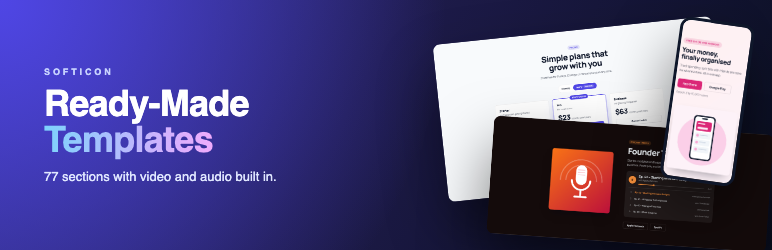
SoftIcon Ready-Made Template adds one block, Ready-Made Template, with a library of finished page sections sorted by category. Insert the block, pick a template, then click any text on the block to change it. Media, links and colors are in the sidebar.
Most template libraries are built from plain blocks, so a video popup, a background video or a podcast player needs another plugin. Here they are part of the template.
Video tutorials: add your first section, edit a template, video and audio and smart sections. Or watch the 30-second trailer and the whole playlist.
Why choose SoftIcon Ready-Made Template?
- One block, many templates – every template is the same block, so you learn it once.
- Video and audio built in – background video, video popups, play buttons, video and voice testimonials, podcast and music playlists.
- Live previews – the library shows each template as it really looks, not a screenshot.
- Edit in place – headings, text, quotes and button labels are edited right on the block.
- Light on your pages – background videos load only when they scroll into view, YouTube uses the privacy-enhanced domain, and nothing loads for a template without media.
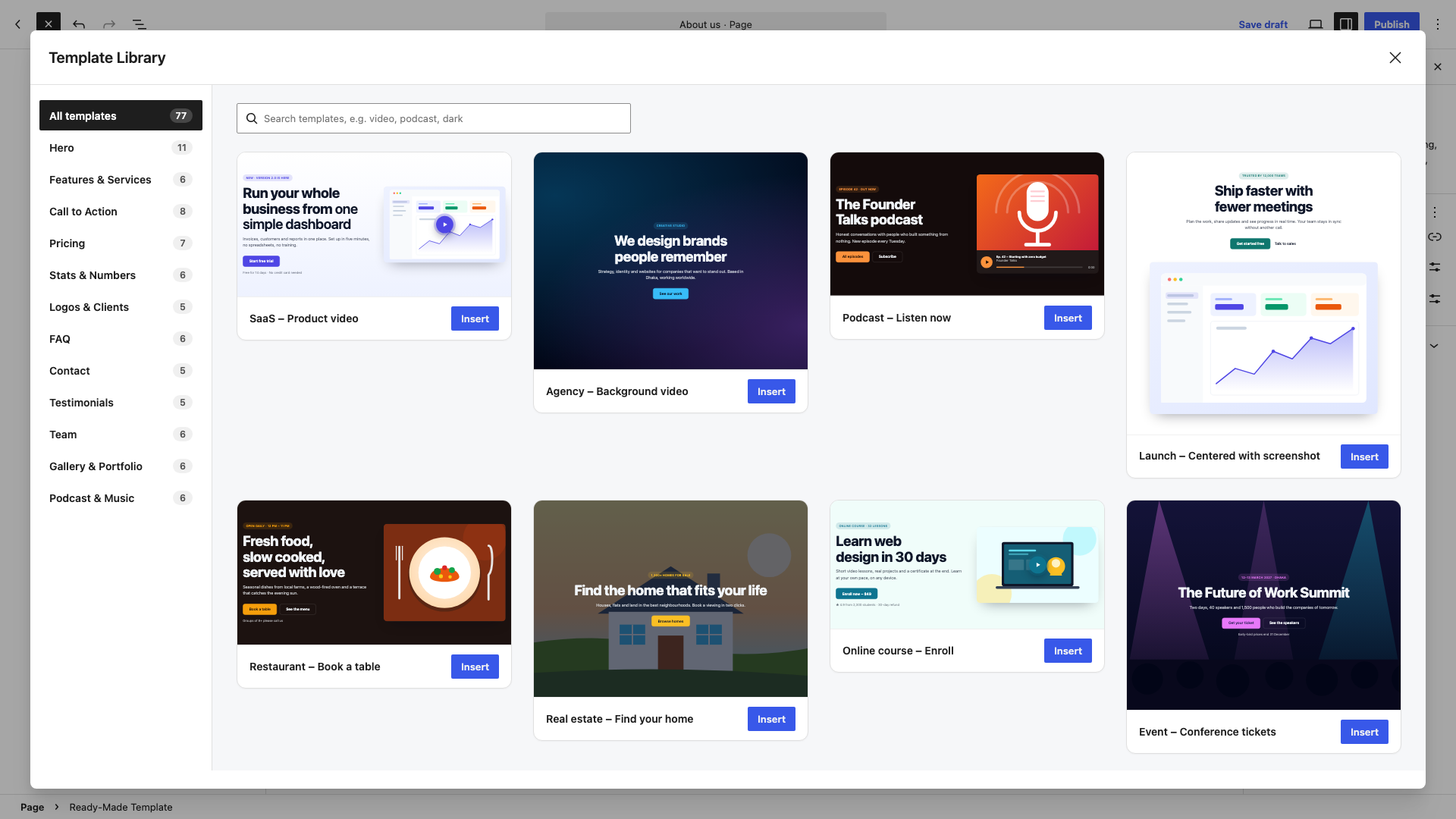
77 templates in 12 categories
- Hero (11) – product video popup, full-screen background video, podcast player, restaurant, real estate, online course, event, fitness, app download, AI product
- Features & Services (6) – icon cards, four-column benefits, zigzag product tour with video, agency services, local business, app highlights
- Call to Action (8) – gradient banner, box, sale and event countdowns, side-by-side bar, background video, app download, course enrollment
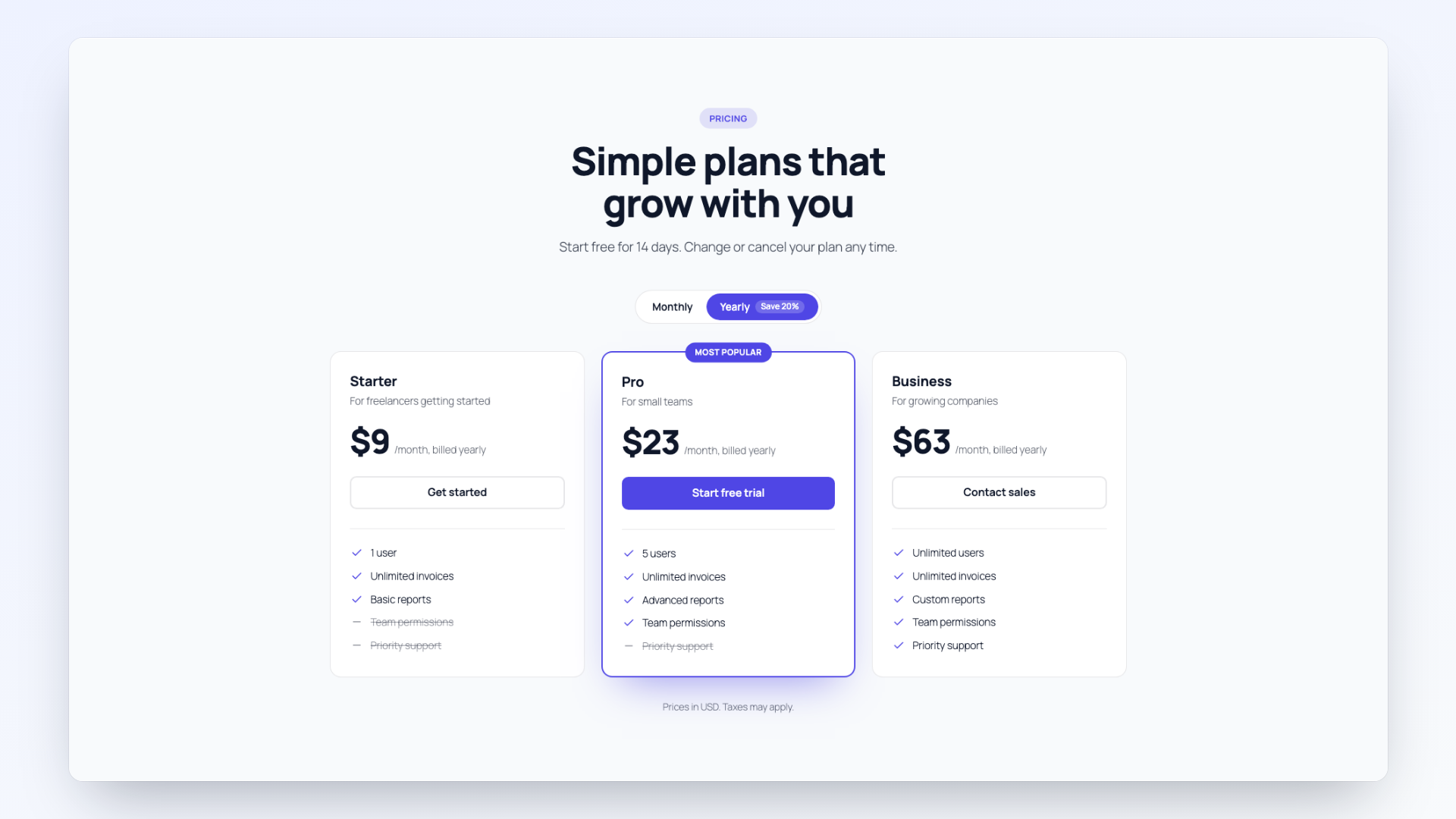
- Pricing (7) – monthly / yearly switch, free and Pro, agency packages, single course offer, gym memberships, hourly services
- Stats & Numbers (6) – counters that count up as they scroll into view
- Logos & Clients (5) – logo row, moving logo row, partner grid, “as featured in”
- FAQ (6) – accordion, heading beside questions, grid, video answers, audio answers; FAQ structured data for search results
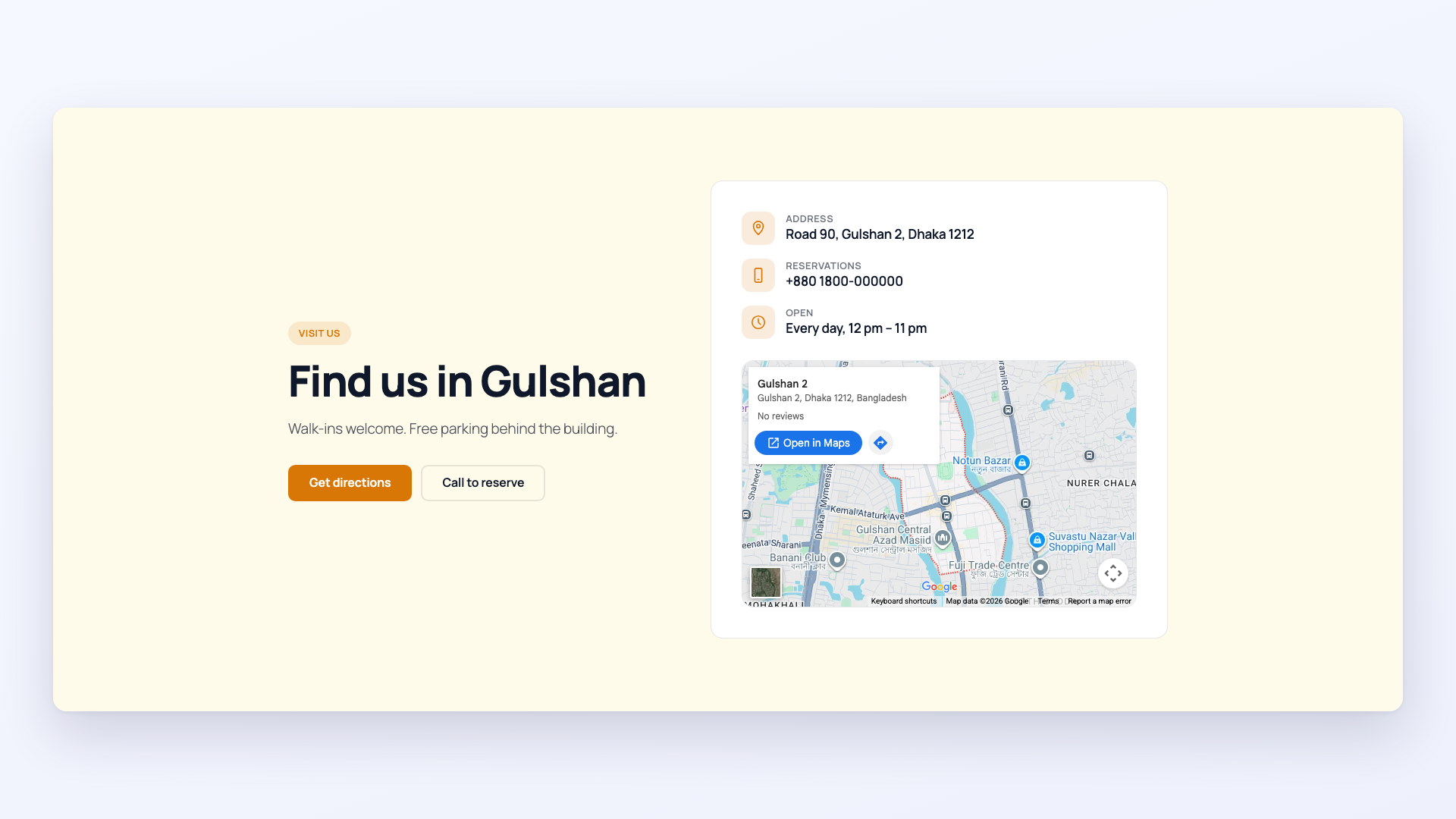
- Contact (5) – details on a card beside the heading, with map, project brief, centered, clinic appointment; email, call, WhatsApp and directions buttons
- Testimonials (5) – review cards, video testimonials, voice reviews, a large single quote, minimal
- Team (6) – photo cards, round photos, names over photos, video introductions, doctors, founders
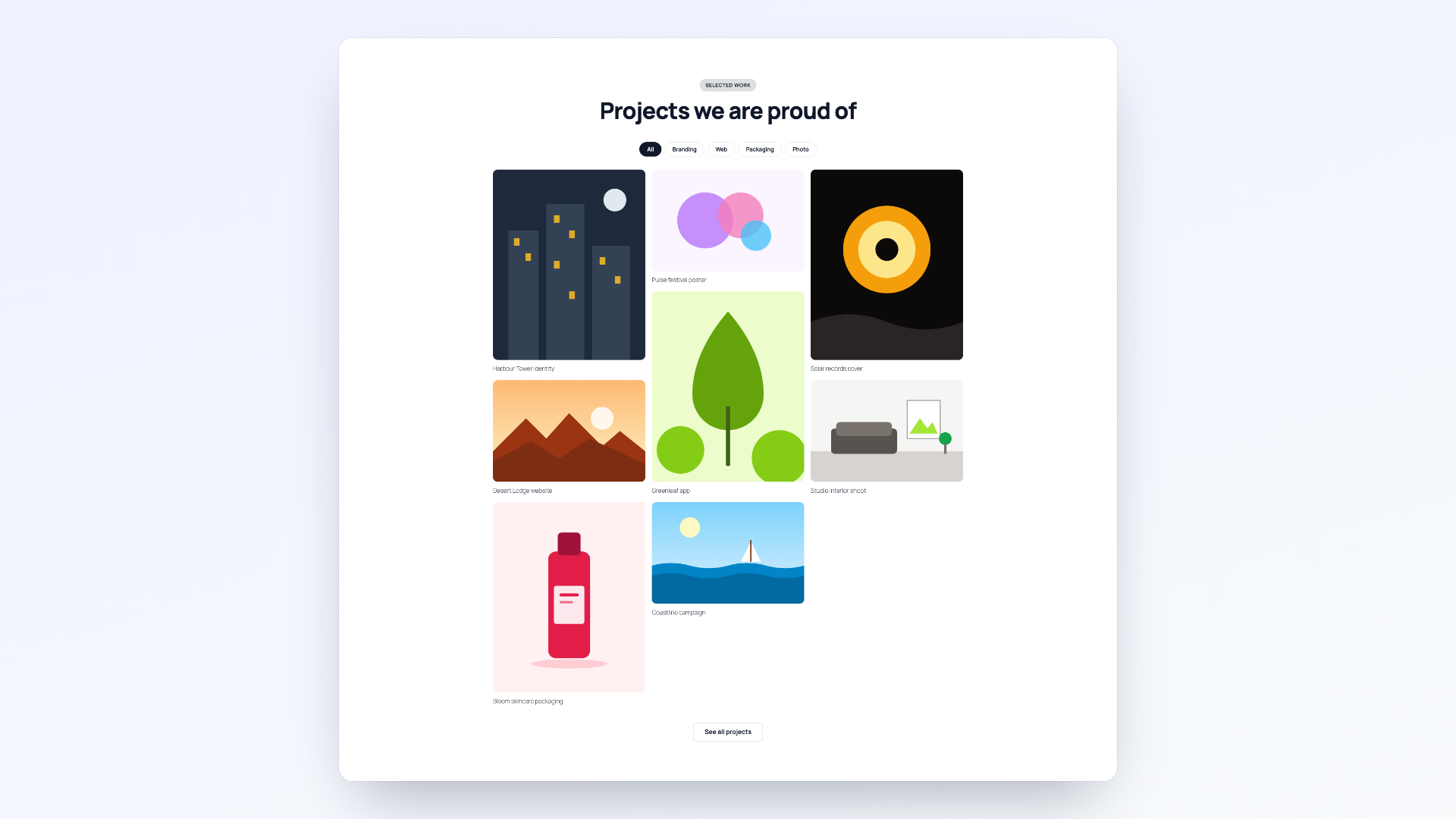
- Gallery & Portfolio (6) – masonry with filter, grid, carousel, video reels, restaurant, photographer
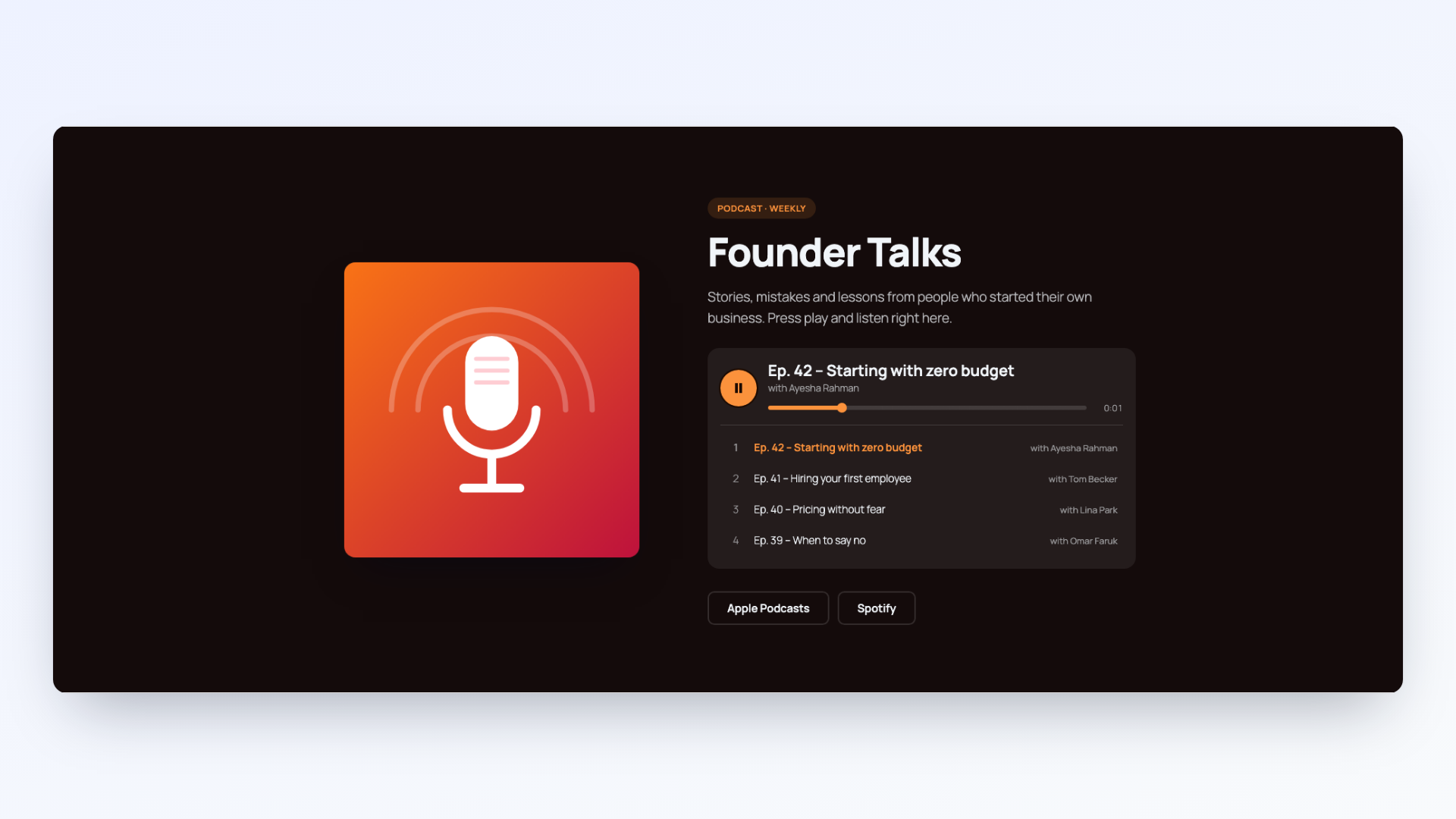
- Podcast & Music (6) – episode playlist, album, audio message, meditation, audiobook, sermons
Media and interaction
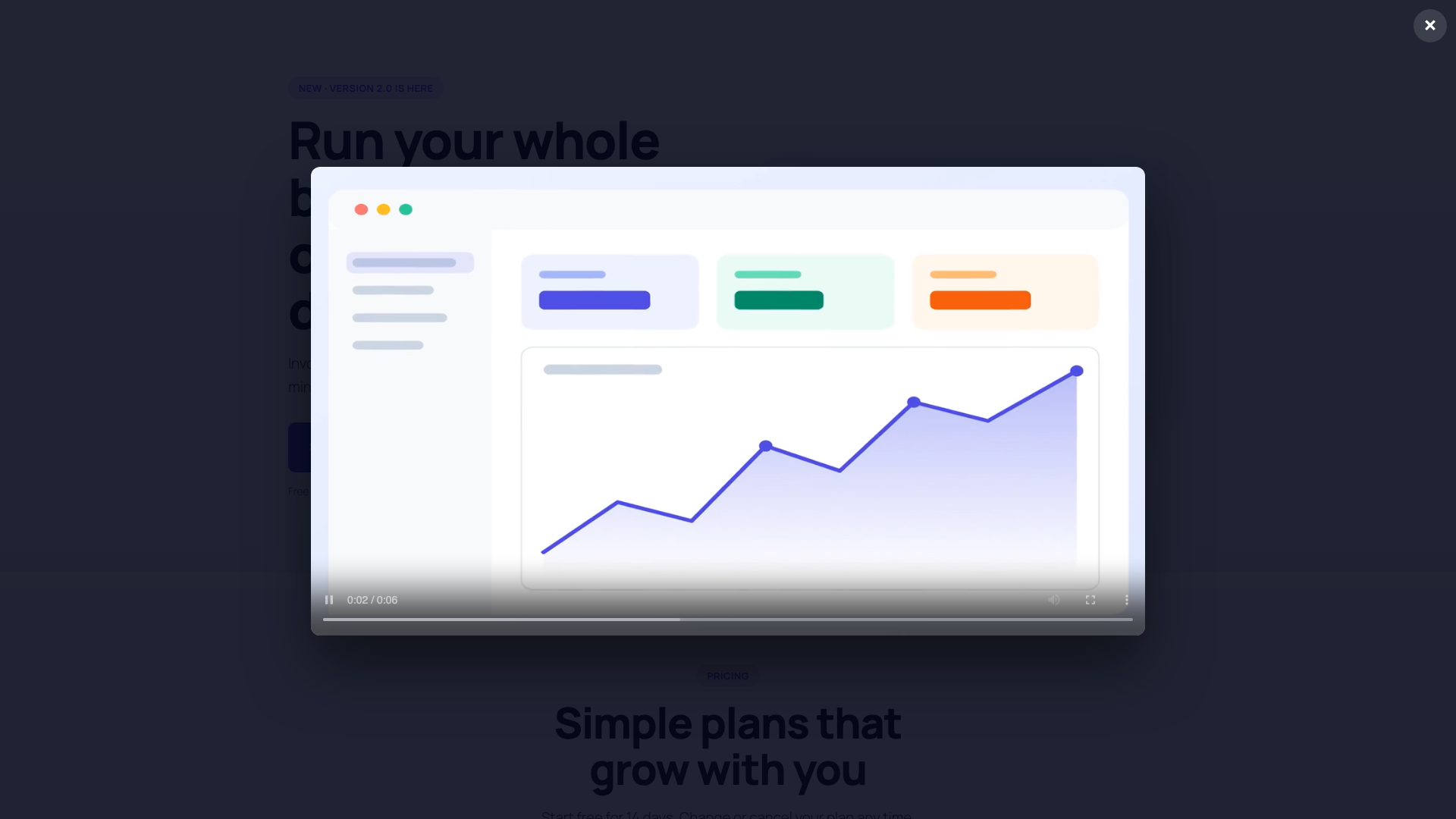
- Video: YouTube, Vimeo or a video file (.mp4, .webm), in a popup or in place
- Background video: a muted loop from a file, YouTube or Vimeo, with a poster image. Visitors who ask their device for reduced motion see the poster only
- Audio: a player with progress bar and playlist. Only one player sounds at a time
- Gallery lightbox for images and videos, with arrow keys, filter buttons and a carousel
- Countdown timer, monthly / yearly price switch, counting numbers, moving logo row
- Contact details with email and phone links, buttons for email, calls, WhatsApp or directions, and a Google Map
Style
- Light or dark base colors, plus text, accent and card colors
- Background color, gradient, image or video, with an overlay
- Layout options for every section: alignment, media position, columns, style variations
- Width, height, spacing and corner radius
- Wide and full width alignment
External services
The plugin can show content from three outside services. Nothing is loaded from them unless you add a YouTube or Vimeo link or a map address to a block, and the plugin sends no data anywhere when it is only installed.
YouTube (Google) plays YouTube videos you link in a block.
- What is sent and when: when a visitor presses play on a YouTube video, or a section with a YouTube background video scrolls into view, the visitor’s browser loads the video from youtube-nocookie.com. YouTube receives the video ID, the visitor’s IP address and the usual browser information.
- Terms of service: https://www.youtube.com/t/terms
- Privacy policy: https://policies.google.com/privacy
Vimeo plays Vimeo videos you link in a block.
- What is sent and when: as for YouTube, the video loads from player.vimeo.com when the visitor presses play or a background video scrolls into view. Vimeo receives the video ID, the visitor’s IP address and browser information.
- Terms of service: https://vimeo.com/terms
- Privacy policy: https://vimeo.com/privacy
Google Maps shows a map in a Contact section when you enter an address.
- What is sent and when: when the map comes near the screen, the visitor’s browser loads it from maps.google.com. Google receives the address you entered, the visitor’s IP address and browser information.
- Terms of service: https://maps.google.com/help/terms_maps/
- Privacy policy: https://policies.google.com/privacy
Privacy
- The plugin adds no cookies, does no tracking and stores no data of its own.
- It collects nothing from visitors. Outside services load only as described under “External services”.
Credits and third-party code
The plugin bundles no third-party libraries.
- JavaScript: the editor and front-end scripts use only the WordPress packages that ship with WordPress itself (React,
@wordpress/blocks,@wordpress/block-editor,@wordpress/components,@wordpress/i18nand others). They are loaded from WordPress core, not copied into the plugin. - Build tool:
@wordpress/scripts(GPLv2 or later) builds thebuildfolder fromsrc. It is a development tool and is not part of the plugin. - Images and icons: every illustration, logo, portrait and icon in the templates and in
assetswas made for this plugin by its author. They are released with the plugin under GPLv2 or later. The company names in the logo templates are made up. - Shared helper:
src/vendor/softicon-toolsis the author’s own code, shared between SoftIcon plugins, under the same license. - Product names in sample text: names such as YouTube, Vimeo, Spotify, Apple Podcasts, App Store and Google Play appear only as example button or link text. They belong to their owners; the plugin is not affiliated with them.
Development
The human-readable source code is included in the plugin, in the src folder (JavaScript, SCSS and the block files). The build folder is generated from it with @wordpress/scripts.
To build it yourself you need Node.js 18 or newer:
npm install
npm run build

src/vendor/softicon-tools holds a small helper shared between SoftIcon plugins, written by the same author under the same license.
Ekrankopioj

Blocks
This plugin provides 1 block.
- Ready-Made Template Pick a ready-made section from the template library: hero, features, pricing, FAQ, team, gallery, contact and more, with video and audio built in.
Instalo
- In your WordPress admin go to Plugins Add New, search for “SoftIcon Ready-Made Template” and click Install Now, or upload the zip file under Plugins Add New Upload Plugin.
- Click Activate.
- Open a page or post in the block editor and add the Ready-Made Template block. The template library opens on its own. Watch the 30-second tutorial.
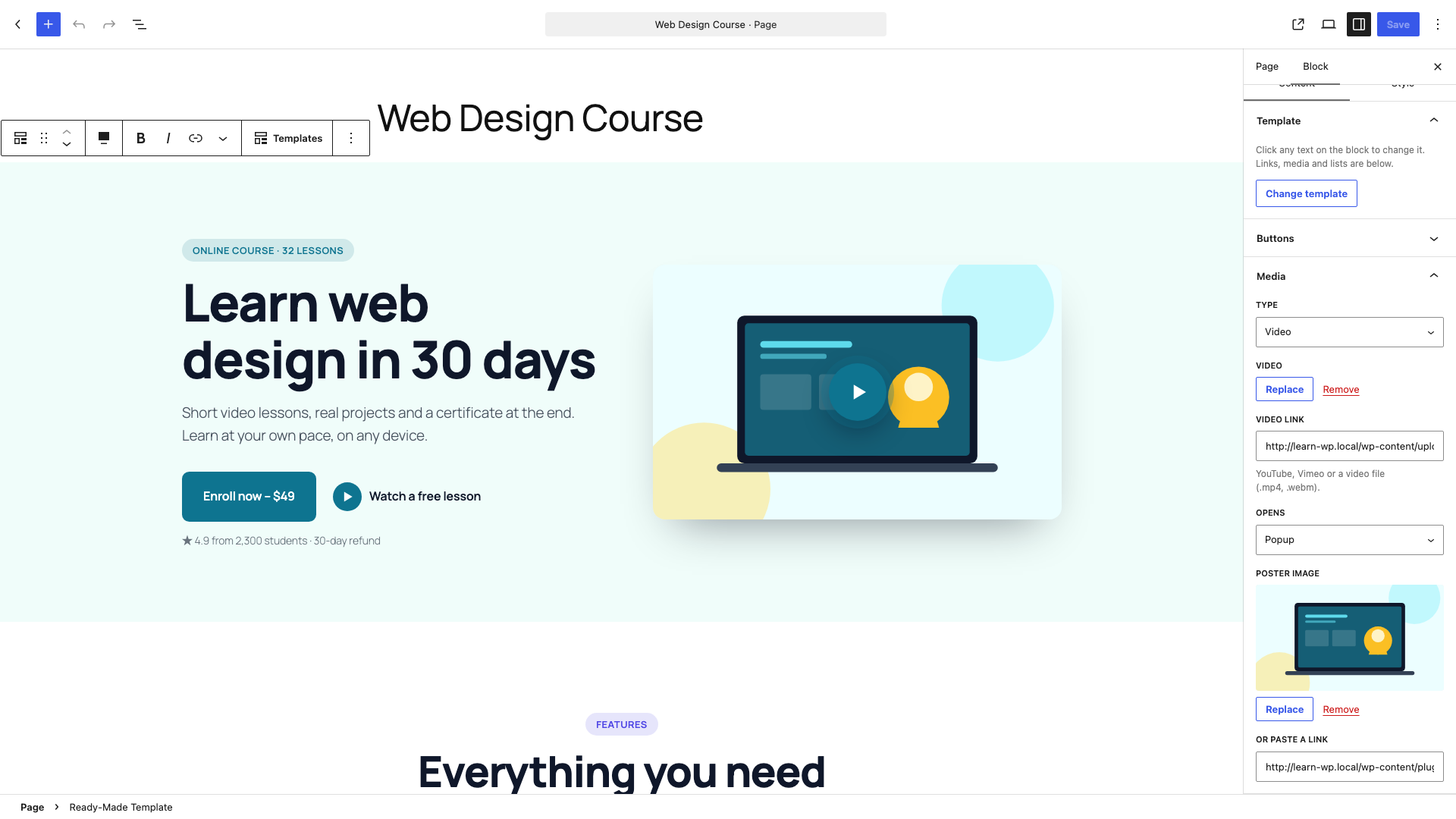
- Pick a template, then click any text on the block to change it. Media, links, lists and colors are in the block sidebar.
OD
-
Where do I change the text?
-
Click the text on the block and type. Links, media, list items and the button style are in the block sidebar under Content. Colors, background and layout are under Style. The editing video shows it.
-
Can I switch to a different template later?
-
Yes. Use Templates in the block toolbar or Change template in the sidebar. The block takes the new template’s content and design; undo brings the old one back.
-
Does it work with my theme?
-
Yes. The block works with block themes and classic themes. Every template brings its own colors and spacing and takes the theme’s fonts. Use full width alignment for edge-to-edge sections.
-
Where do the template images come from?
-
Every illustration in the templates is drawn for this plugin and ships with it under the same license (GPLv2 or later). Replace them with your own images from the sidebar. No image is loaded from another website.
-
Does a YouTube video load when the page opens?
-
No. A popup or in-place video loads only after the visitor presses play. Background videos load when the section gets close to the screen, and never for visitors who ask their device for reduced motion. See “External services” below, and the video and audio tutorial.
-
Add the video link in the sidebar first. Without a link the site shows the poster image only.
-
Is there a contact form?
-
No. The Contact templates show your details, a map and buttons that open email, a phone call, WhatsApp or directions. The plugin sends no email and keeps no messages. To collect messages on the page, add a form block from a form plugin next to the section.
-
Is it accessible?
-
Buttons, accordions, the lightbox, the audio player and the price switch work with a keyboard and screen readers. Animations stop for visitors who ask their device for reduced motion.
-
What happens to my pages if I deactivate the plugin?
-
The sections are drawn by the plugin, so they disappear from the page while it is deactivated and come back when you activate it again. Your content stays saved in the post.
-
Can I add my own templates?
-
Developers can add templates and categories in the block editor with the
alrt.templatesandalrt.categoriesJavaScript filters (wp.hooks.addFilter). A template is a small JSON object; see thetemplatesfolder for examples.
Pritaksoj
There are no reviews for this plugin.
Kontribuantoj k. programistoj
“SoftIcon Ready-Made Template” estas liberkoda programo. La sekvaj homoj kontribuis al la kromprogramo.
Kontribuantoj
Traduki “SoftIcon Ready-Made Template” en vian lingvon.
Ĉu interesita en programado?
Browse the code, check out the SVN repository, or subscribe to the development log by RSS.
Ŝanĝprotokolo
1.1.0
- Changed: the contact form is removed. The Contact templates now show the details on a card with a map and buttons for email, calls, WhatsApp or directions. Pages that had a form keep their details and map; the form no longer shows.
- Changed: the template library is part of the editor script, so it opens without a server request. Add-ons use the new
alrt.templatesandalrt.categoriesJavaScript filters in place of the PHP filters. - Changed: a new settings sidebar with a Help panel (video tutorials, support, rating) and one open panel at a time.
- Removed: the “Video tutorials” link on the Plugins screen; the videos are linked from the block’s Help panel.
- Smaller server code, so the block can be listed in the Block Directory.
1.0.1
- New: video tutorials. A “Video tutorials” link on the Plugins screen, and short tutorial links in the block placeholder, the template library and the sidebar.
1.0.0
- First release: the Ready-Made Template block, the template library and 77 templates in 12 categories.