

Priskribo
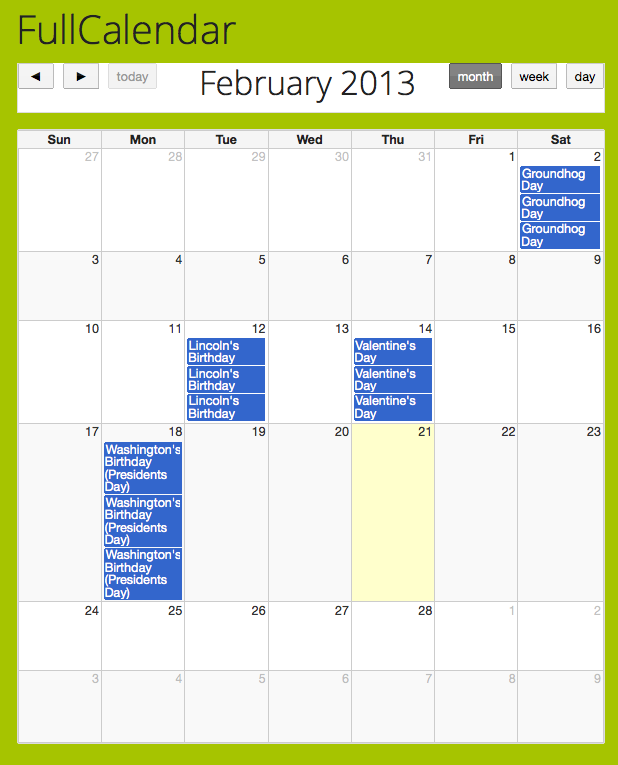
FullCalendarJs allows you to save multiple XML feeds into a calendar id and display those calendar’s as if they were one.
The plugin works specifically off of a jquery plugin. The Jquery plugin is written by Adam Shaw. This plugin is lightweight
and is designed for ease of use and simplification. Why bloat your own database with calendar events when you can fetch
them all from Google Calendar.
More features to come.
Settings Page:
* Settings > Full Calendar Settings
Shortcode:
* [fcal id =”1″] //shows calendar of id 1 in the page or post
Ekrankopioj

Instalo
- Upload to the ‘wp-contents/plugins’ directory,
- Activate the plugin through the ‘Plugins’ menu in WordPress
OD
- How do I get my Google Calendar XML feed?
-
- Login to google.
- Click ‘Calendar’.
- Click the down arrow next to your calendar.
- Click ‘Share this calendar’.
- Check ‘Make this calendar public’ if desired. Allows users to subscribe.
- Click ‘Calendar Details’.
- Click ‘XML’ under Calendar Address(public) or Private Address.

Kontribuantoj k. programistoj
“Full Calendar Js” estas liberkoda programo. La sekvaj homoj kontribuis al la kromprogramo.
Kontribuantoj
Traduki “Full Calendar Js” en vian lingvon.
Ĉu interesita en programado?
Browse the code, check out the SVN repository, or subscribe to the development log by RSS.
Ŝanĝprotokolo
1.5 Version now invokes the today method so that the calendar displays the current month on load without clicking ‘today’.
1.6 Removed settings which were prototypes. Added helper notifications in the shortcode area.